My Desktop Pet
A downloadable pet for Windows and Linux
This is a simple virtual pet that I am making for my college project. They will live on your desktop while you can raise and take care of them until they are old enough to leave. This game is intended to be something that sits on your screen or side-monitor while you do other things, keeping your company and every now and then looking for attention.
This is still a work-in-progress but feel free to download and enjoy my silly creature until I add more!

What's In?
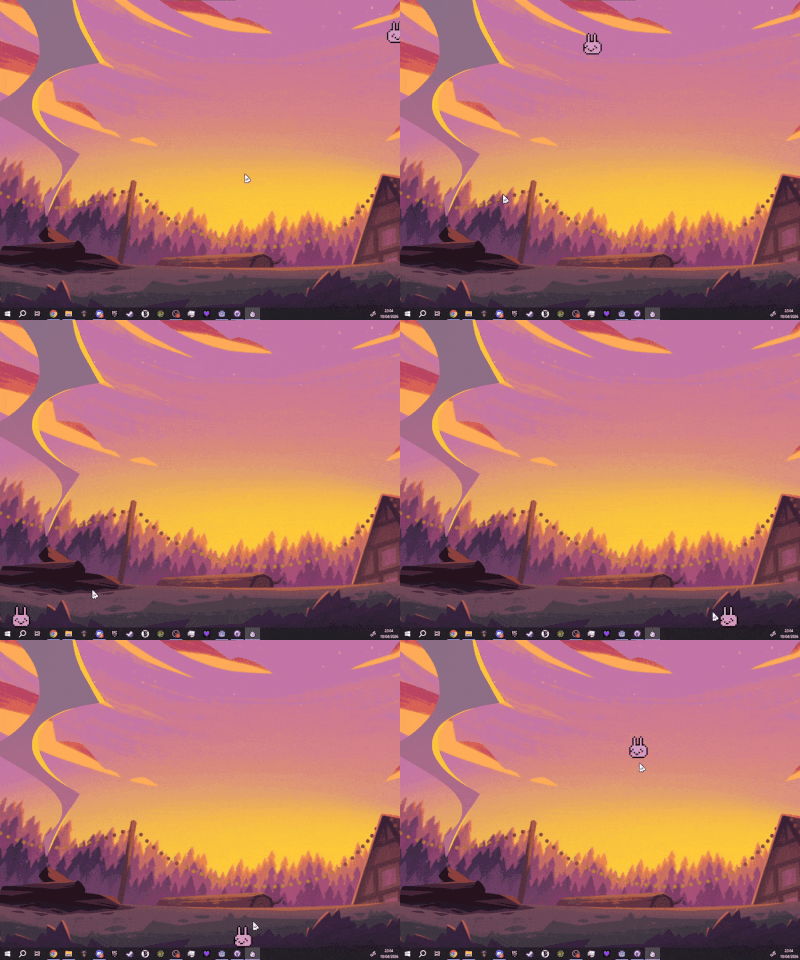
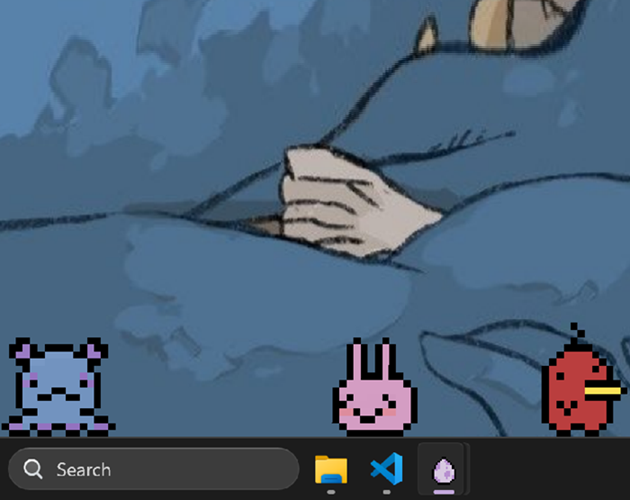
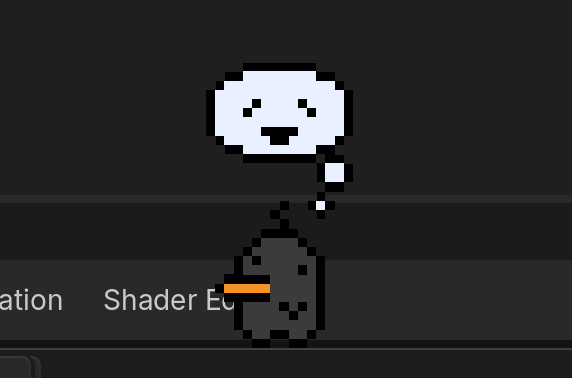
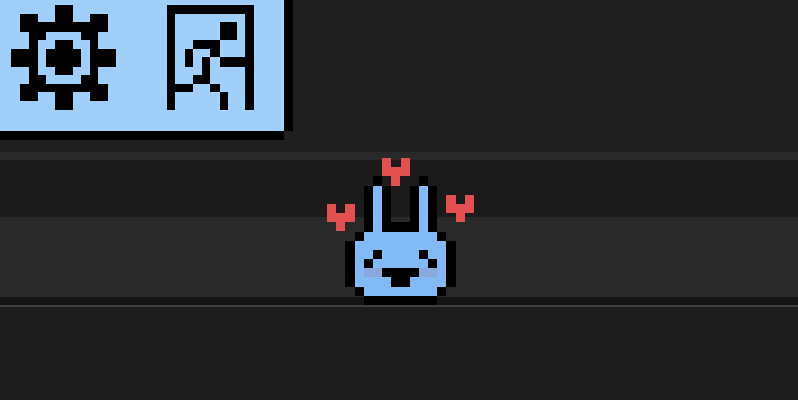
So far you can start with one of three random Pets when you open the game, and they will wander around your desktop; stopping, starting, sitting, and staring. You can throw them around the screen which is really fun I would highly recommend this.
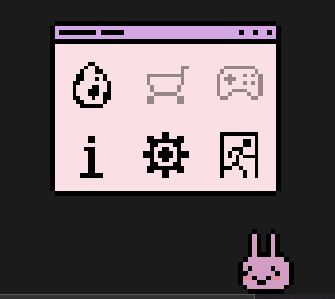
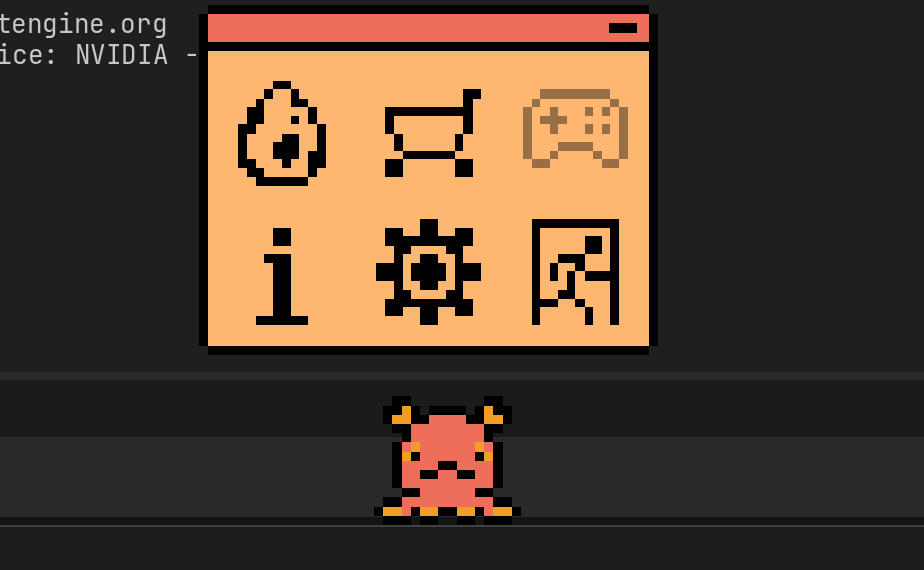
Clicking on your Pet will open a menu, here you can view a little info about the game or your pet, change settings, and exit the game (ignore the ugly parts in the UI its a work in progress). If you want your Pet confined to a different monitor than the starting one just drag them over there :>.
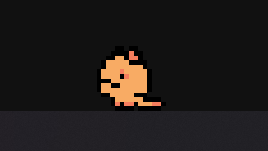
As your pet grows up they will have a chance to evolve (after 5, 15, and 30 hours), when evolving a pet will get bigger and have a chance of gaining a new colour palette, this will also effect the menu's looks. Your pet's data will be saved every minute or when you close the app, if you want to restart or try to get a different pet just turn off saving and delete your data in the settings.
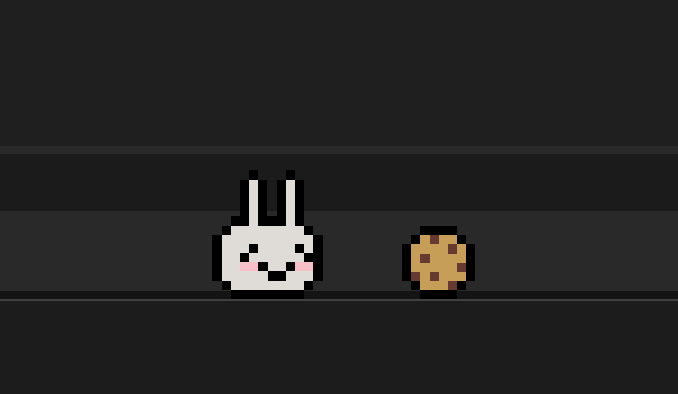
Your pet will get get hungry and lose happiness slowly, but you can help them with this :D. Pets will regain happiness when being interacted with and bouncing off of walls, and players can spawn a cookie in the shop menu which the pet will then walk over to to eat if they are hungry, regaining some hunger. However, if you don't take care of your pet for too long they may just leave to go find a new owner.
Controls/Instructions
Left Click: Stops the pet in place
Hold Left Click: Drags the pet around so you can move or throw them
Double Left Click: Opens the Menu
Right Click: Pet your pet :)
In the Menu you can access a few pages:
- Your Pet: Where you can view info about your pet and change their name.
- Shop: Here you can summon a cookie to feed your pet
- Info: Where you can get a small refresher on the game and controls, I'll make this more in depth eventually.
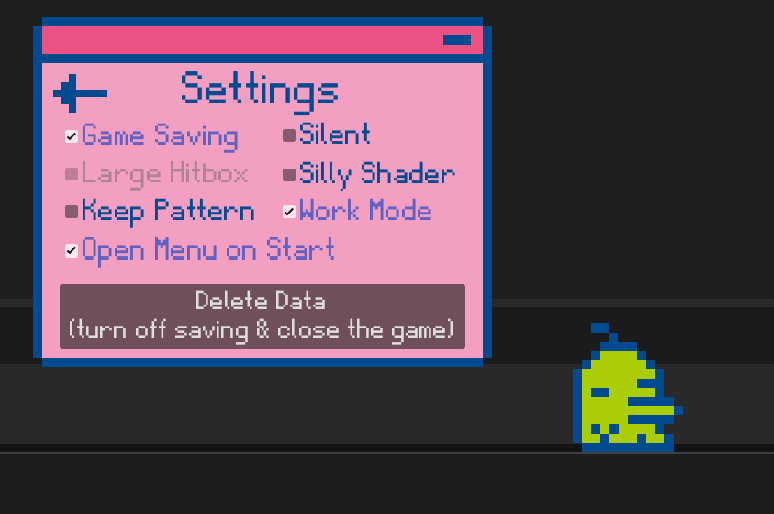
- Settings: Where you can modify game settings, here you can
- Silent the game, enable larger hitboxes,
- Turn on a wobbly shader for that Tamagotchi vibe,
- Disable the menu opening automatically,
- Disable your pet's pattern changing when evolving,
- Turn on 'Work Mode' so that your pet will take a nap and not bother you or lose any stats for a while,
- and turn off saving/delete data for those who want to reset for their favourite pet.
- Exit: Which will save and close the game, just closing the window manually will do this too.
You can also close this menu with the top right button.
What's Next
Right now I really need to work a lot on documentation but might polish parts of the game too when I'm done! Unfortunately the submission takes priority above anything else.
I really hope you enjoyed my game and I'll keep you updated on whatever comes next <3.
If you have any thoughts just let me know! Good or bad I don't mind I would love to hear
Known Issues
- There are some stray pixels outside of clickable area on some monitors, I think that this is a monitor issue that I don't seem to be able to do anything about
- I need to optimise generally I think as I've heard of issues from some people about lag sometimes or extra battery usage
Download
Install instructions
Windows: Just download the .exe file and run it on Windows 10 & 11
Linux: There's a build available that should work perfect but I only have one person that can test it for me so if there are any issues just let me know. Download and execute like any other executable.
Mac: Sorry maybe in a few weeks
Leave a comment
Log in with itch.io to leave a comment.